Approve every command and by the fortieth prompt you’re pressing yes without reading. So people switch the prompts off: one Hacker News commenter says claude has been an alias for claude --dangerously-skip-permissions for about a year. Switch them off on the wrong machine and a night can go like the issue in OpenAI’s Codex tracker with 3,491 reactions: an agent told to reboot a server “destroyed systemd, destroyed containers, ran random scripts…”
Claude Code has more than those two settings. Below is what each mode lets through, and a setup in between that you can paste. It follows Claude Code’s own documentation as read on 21 November 2026 (v2.1.330). Permissions change often, so check the docs against your version.
What each mode lets through
| mode | runs without asking | meant for |
|---|---|---|
default (Manual) | reading files in your project, and a built-in set of read-only commands | sensitive work, unfamiliar code |
acceptEdits | reads, file edits, and mkdir, touch, mv, cp inside the project | iterating on code you’re reviewing |
plan | reads and read-only commands; no edits until you approve a plan | exploring before changing |
auto | everything, with a classifier checking each action before it runs | long tasks, fewer prompts |
dontAsk | only what you pre-approved; anything that would ask is denied | CI and scripts |
bypassPermissions | everything | isolated containers and VMs only |
--dangerously-skip-permissions is bypassPermissions. Your deny rules still block in it, and a recognized rm of a critical path such as ~ still asks, but nothing else does. Claude Code’s docs say to use it only in containers, VMs or dev containers without internet access.
Auto mode is the starting mode for interactive sessions since v2.1.283. A separate model reviews each action before it runs. By default it blocks things like curl | bash, force pushes, production deploys and migrations, git reset --hard, terraform destroy, and sending sensitive data to outside endpoints. The docs are plain about the limit: auto mode “reduces permission prompts but does not guarantee safety.”
The setup in between
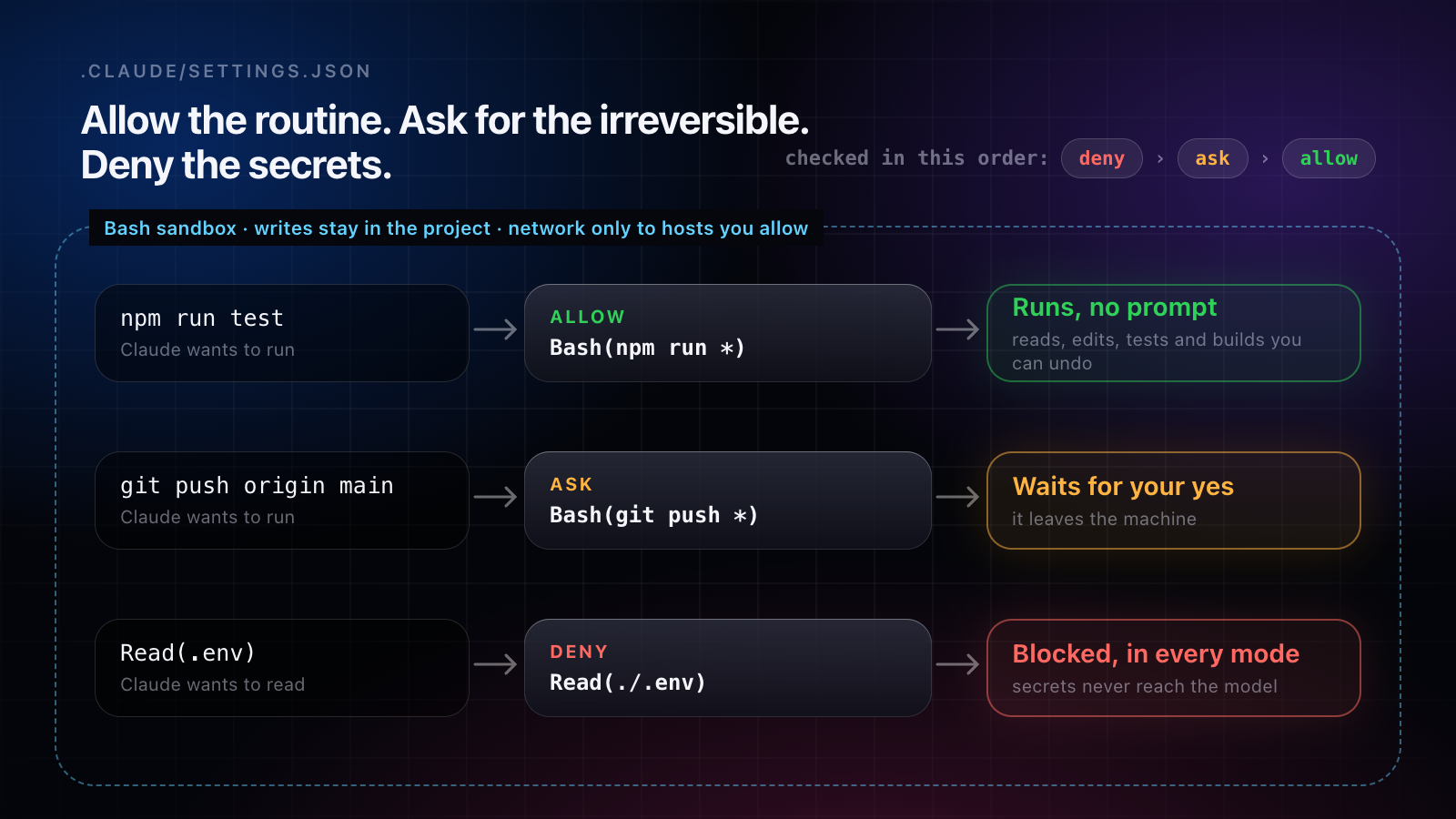
1. Allow the routine, ask for the irreversible, deny the secrets
Rules go in ~/.claude/settings.json, or in a project’s .claude/settings.json to share them with the repository. Deny beats ask, and ask beats allow, in every mode:
{
  "permissions": {
    "allow": ["Bash(npm run *)", "Bash(git commit *)"],
    "ask": ["Bash(git push *)"],
    "deny": ["Read(./.env)", "Read(./.env.*)"],
    "defaultMode": "acceptEdits"
  }
}
Two limits worth knowing. A Bash rule matches the command as written, so git -C . push slips past Bash(git push *). And rules are checked by Claude Code in front of the shell, not by the operating system around it. For a boundary the OS enforces, add the sandbox.
2. Turn on the Bash sandbox
Run /sandbox in a session, or set it in your settings. In auto-allow mode, a command that runs inside the sandbox runs without a prompt, because it can write only inside your project and a temp directory, and its network traffic goes through a proxy that checks each host against the domains you allow:
{
  "sandbox": {
    "enabled": true,
    "autoAllowBashIfSandboxed": true,
    "filesystem": { "denyRead": ["~/.ssh", "~/.aws/credentials", "~/**/.env"] },
    "network": { "allowedDomains": ["github.com", "*.npmjs.org"] }
  }
}
Keep the denyRead line: by default a sandboxed command can still read most of your machine, credential files included. It and the Read(./.env) rule above cover different doors. denyRead stops shell commands, and the deny rule stops Claude’s own Read tool, which the sandbox doesn’t cover. Deny rules and ask rules such as Bash(git push *) still apply to sandboxed commands. The sandbox runs on macOS, Linux and WSL2.
3. Overnight: an unanswered prompt shouldn’t stall the run
An unattended session can sit on one permission question until morning (claude-code#105184). Two ways out:
- Deny instead of waiting. Set
denyInsteadOfPromptingtotrueunderpermissionsin~/.claude/settings.json(v2.1.319 or later). Claude Code then denies the call that would have waited, and the turn carries on without it. - Make the question reach you. A
Notificationhook can push to your phone when Claude waits; the setup is in Claude Code notifications.
4. Keep your yes for what can’t be undone
The rule under all of this: let anything you can undo run (reads, edits, tests and builds inside the project), and keep your yes for what leaves the machine or can’t come back: pushing, deploying, deleting, paying, sending. That list is short, so you’ll actually read each one.
Pick by situation
| you’re | start with |
|---|---|
| at the desk, on code you know | acceptEdits with the allow, ask and deny rules |
| hands-off on your own Mac | auto mode, the sandbox, and the deny rules |
| away overnight | the same, plus denyInsteadOfPrompting or a Notification hook |
| in a throwaway container or VM with no secrets in it | --dangerously-skip-permissions |
Where Amia fits
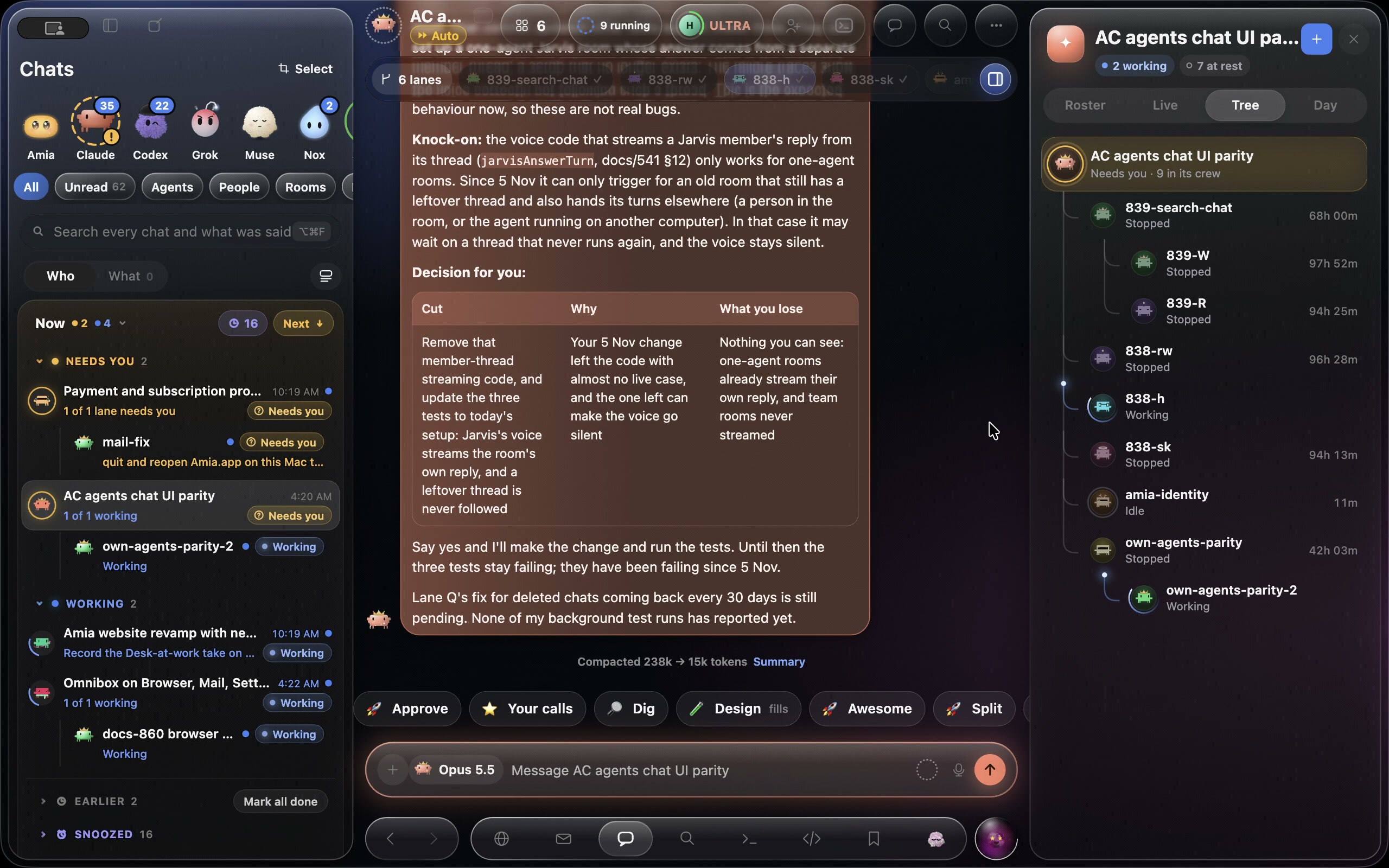
A prompt only helps if it finds you. Amia shows every Claude Code session, with Codex, Cursor, Grok Build, Antigravity, Muse Code and its own agents, in one list on your Mac. When a Claude Code session stops on a permission prompt or a question, it goes to the top of that list and to your iPhone’s Lock Screen, where you can answer it. It also works over every app on your Mac, with ⌥Space anywhere and a bar of actions on any text you select, and it pays or signs in without ever seeing your card or password.
Amia’s own agents follow rule 4: they stop before sending, buying or deleting. When one pays, your card goes from your Vault into the page after your yes, so no digit of it reaches the agent, its logs or the chat. Where your prompts and code go is on our privacy page.