Features
Everything Amia does.
The moves you won’t find anywhere else, and everything around them.
Free with your own AI accounts · Plans from … a month
It pays. It never sees your card.
At a checkout the agent asks; you say yes on the device in your hand. Your card goes into the page, and no digit of it reaches the agent, its logs or the chat.
Your card goes from your Vault into the page. The agent never sees a digit.
Text Actions in every app
Select text in any app on your Mac and a small bar appears at your pointer: Search, Copy, Rewrite, Translate, Look Up, Bookmark, Mark Up. Change what it holds, or write an action of your own.
On text you can edit, Rewrite puts the new words in its place, in the app you are already in.
Your agent, over any app
Press ⌥Space anywhere on your Mac and ask. Pin up to four agents to your desktop as an orb, a card or an edge tab, and ⌥⇧Space brings your lead to the pointer, ready to type.
Each pin keeps its own chat, or follows your newest one.
Clipboard everywhere
Press ⇧⌘V for any recent copy, on your Mac, iPhone and iPad.
Keep anything
Words, pictures and pages from any app, kept by day. ⌃⇧4 takes any part of the screen, and ⌃⇧5 records it with your voice and your face in a bubble. You find each one later by the words in it. Pin the ones you reuse.
Bring people in
Invite someone into a chat, and their agents can come too. Each agent knows whose ask it is: yours acts in your accounts, and theirs in theirs.
When it can’t tell whose ask it is, your agent asks you. When a guest’s own agent is the one to ask, it says so.
It uses your key. It never sees it.
An agent that needs one of your API keys asks for it by name. You see which agent, which key and which command, and say yes on your iPhone or your Mac.
The key is sealed to the computer that asked and opens nowhere else. It never enters the chat.
It asks before it matters
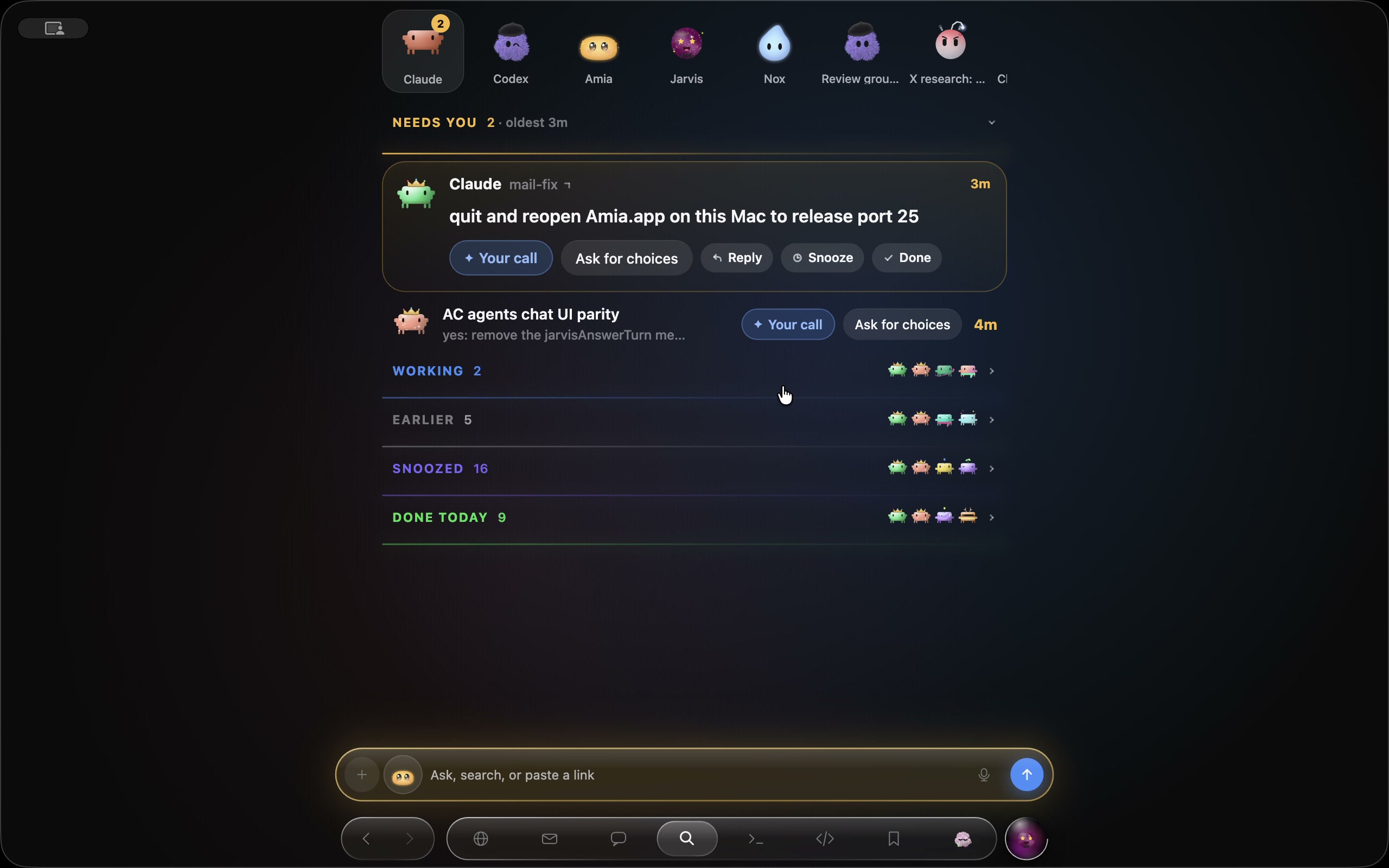
Sending, buying, deleting: it waits for you. The question lands at the top of your list, on your Lock Screen and in the Dynamic Island. Answer it and the agent carries on. Snooze it, or mark it done.
Every agent, one list
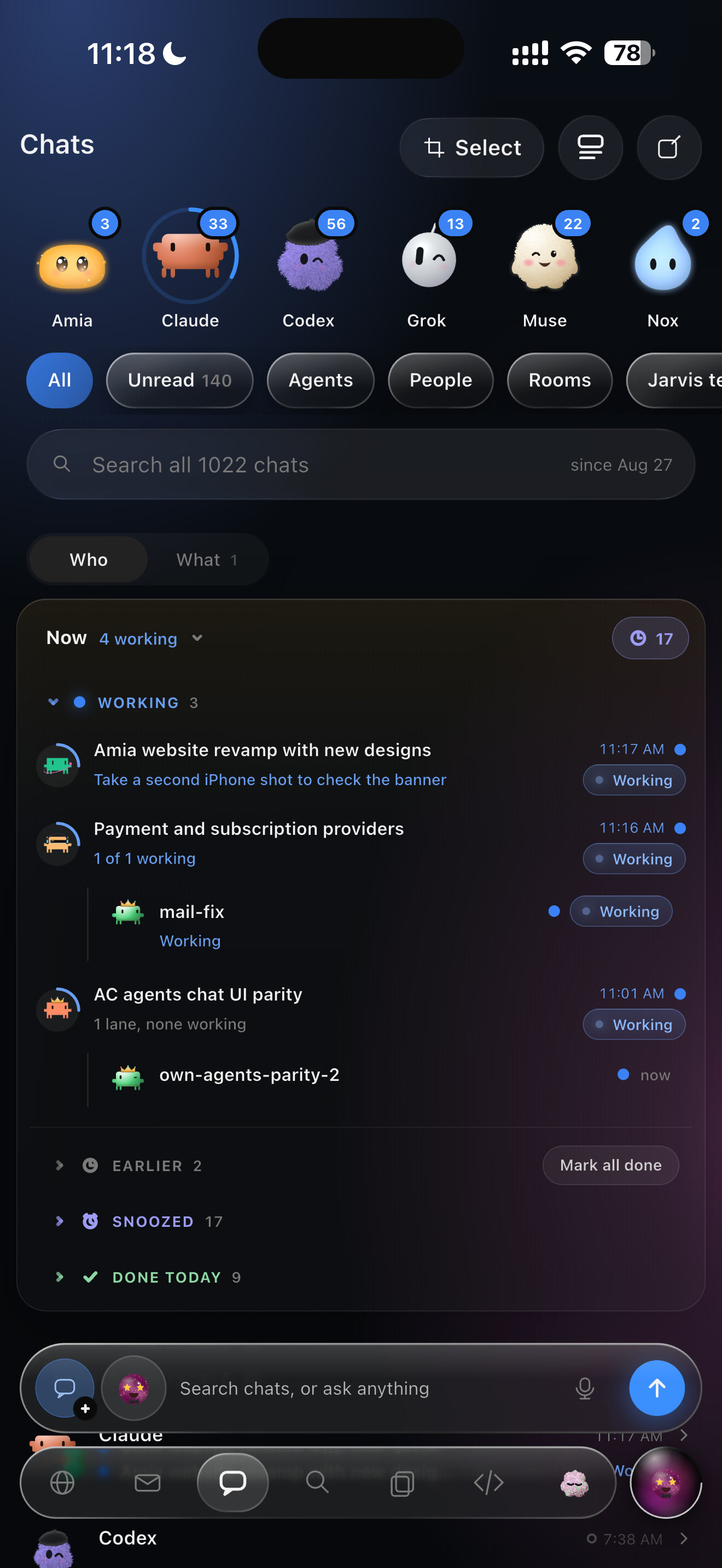
Amia’s own agents and the ones you already use — Claude Code, Codex, Cursor, Grok Build, Antigravity, Muse Code — in one list: what needs you, what’s working, what’s done. Put them in a crew and they split the work and check each other’s.
Point, don’t type
Point at a thing on a page or a line of code. The agent gets exactly what you pointed at, where it is, and your words.
Mark the screen
Hold ⌃⇧1 and the screen stands still. Circle the thing, say what you want beside it, and send it to any chat.
Marks stay out of every screen recording by design: the only picture they land in is the one you send.
Select any words
In any reply: explain them, quote them, ask aside, search, copy or keep them.
Code, together
An editor built in, beside your agents, with Share and Follow.
A real terminal
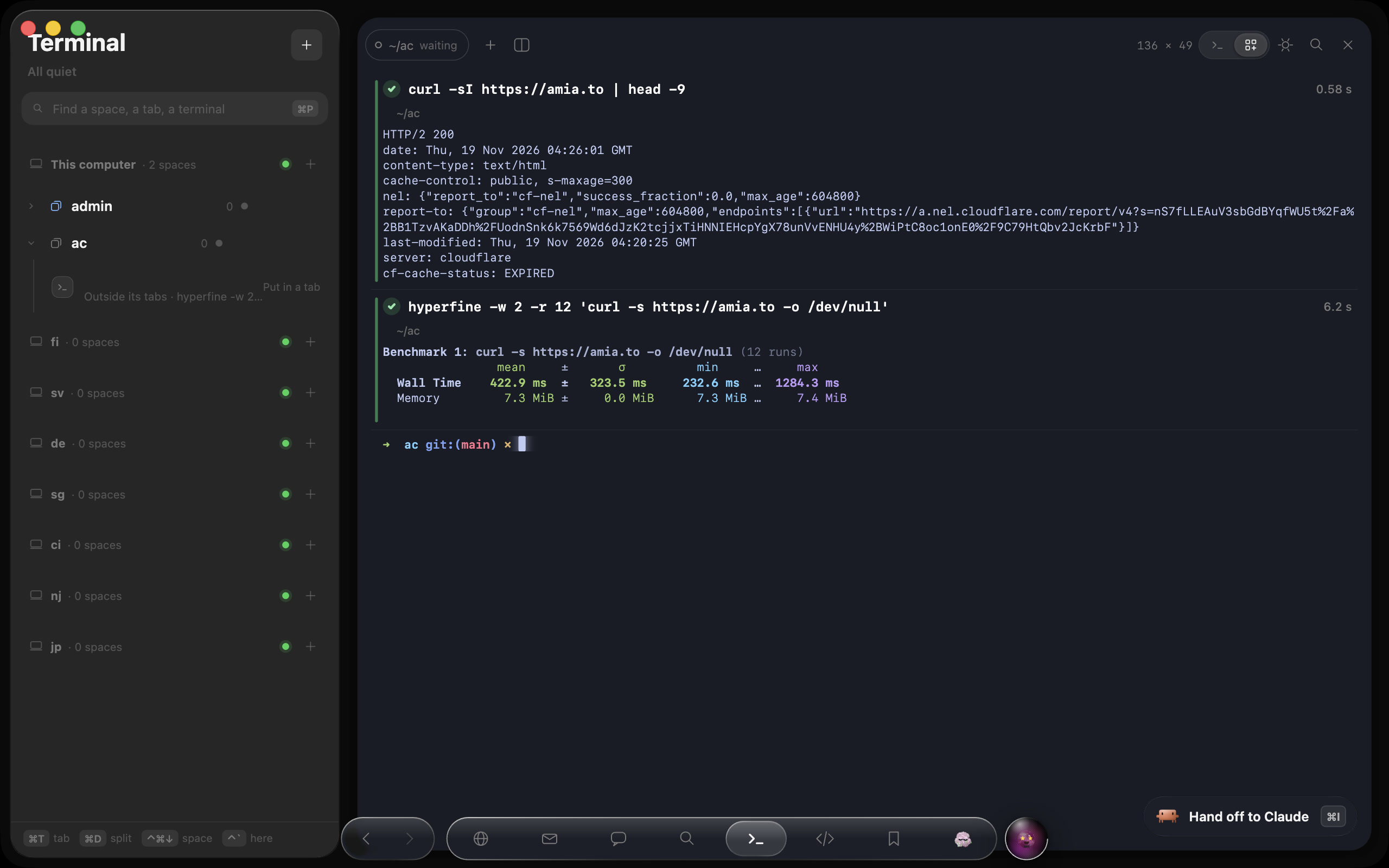
Every computer’s terminal, in spaces and tabs. Each command is a block with its result and how long it took, and ⌘I hands it to an agent.
Talk to any agent
Press ⌃⌥⌘Space and talk. You always see who is listening and what it is doing.
Live voice with any agent, on your Mac or your iPhone.
A computer of its own
Hand a job to a Cloud computer and close your Mac. The work goes on, and so do the agents on it. Your Mac and your Cloud computer share a private WireGuard network, built in, with no Tailscale to set up.
A Cloud computer counts as one of your devices, and keeps working with your Mac closed.
And everything around it.
Hand it off tonight.
Free with your own AI accounts · Plans from … a month